Dating for ethical non-monogamy
love that isn't binary.
Blend is a small, honest map of who you are and how you love. Built for ENM individuals and the polycules they're part of.
Now on Android
Dating for ethical non-monogamy
Blend is a small, honest map of who you are and how you love. Built for ENM individuals and the polycules they're part of.
Not another swipe app
Blend is built around the way ENM relationships actually work: multiple connections, real agreements, metamours, and trust you can see. Here's what that looks like.
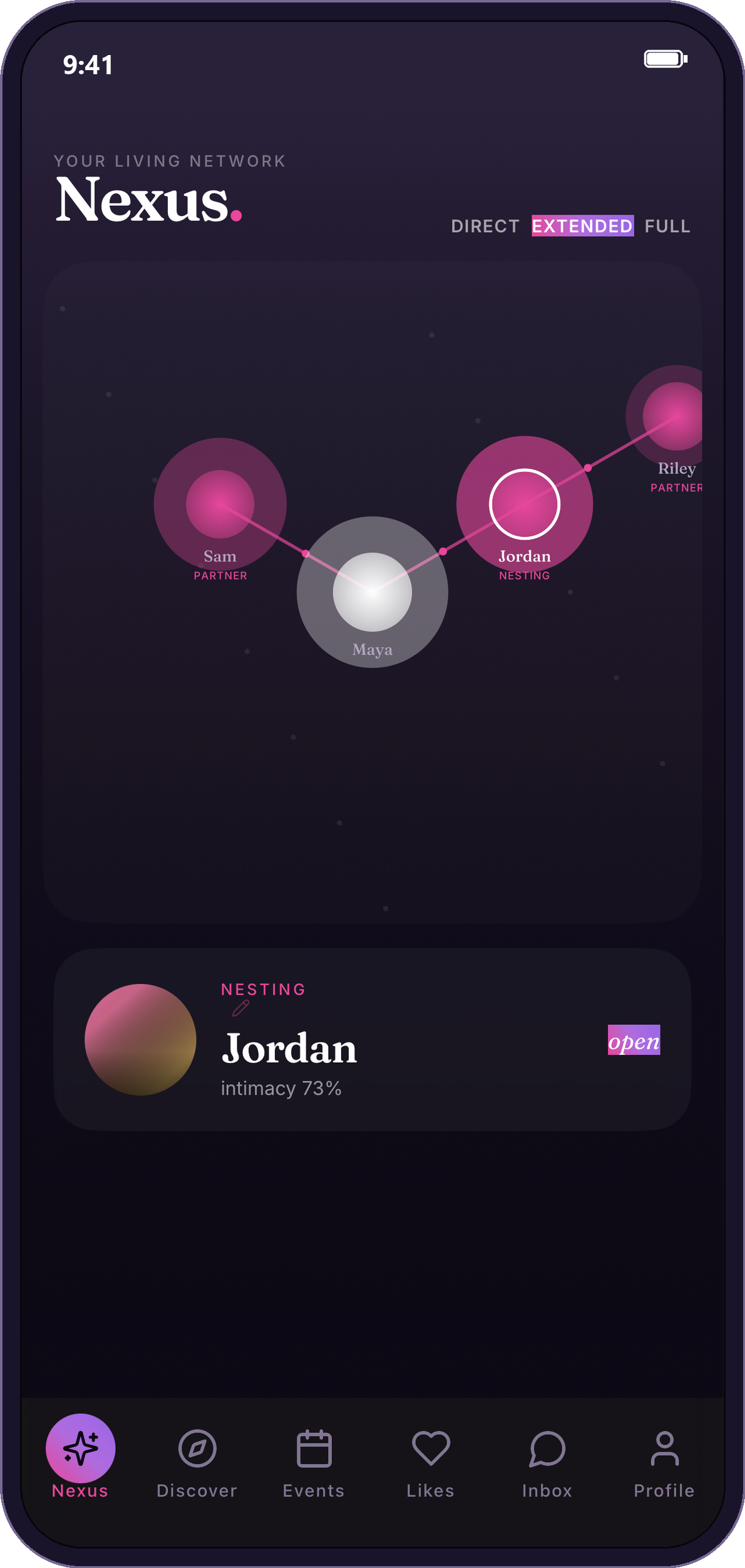
The Nexus
Your Nexus is a living map of your relationships: partners, nesting partners, metamours, and how they all connect. It grows and shifts as your relationships do.
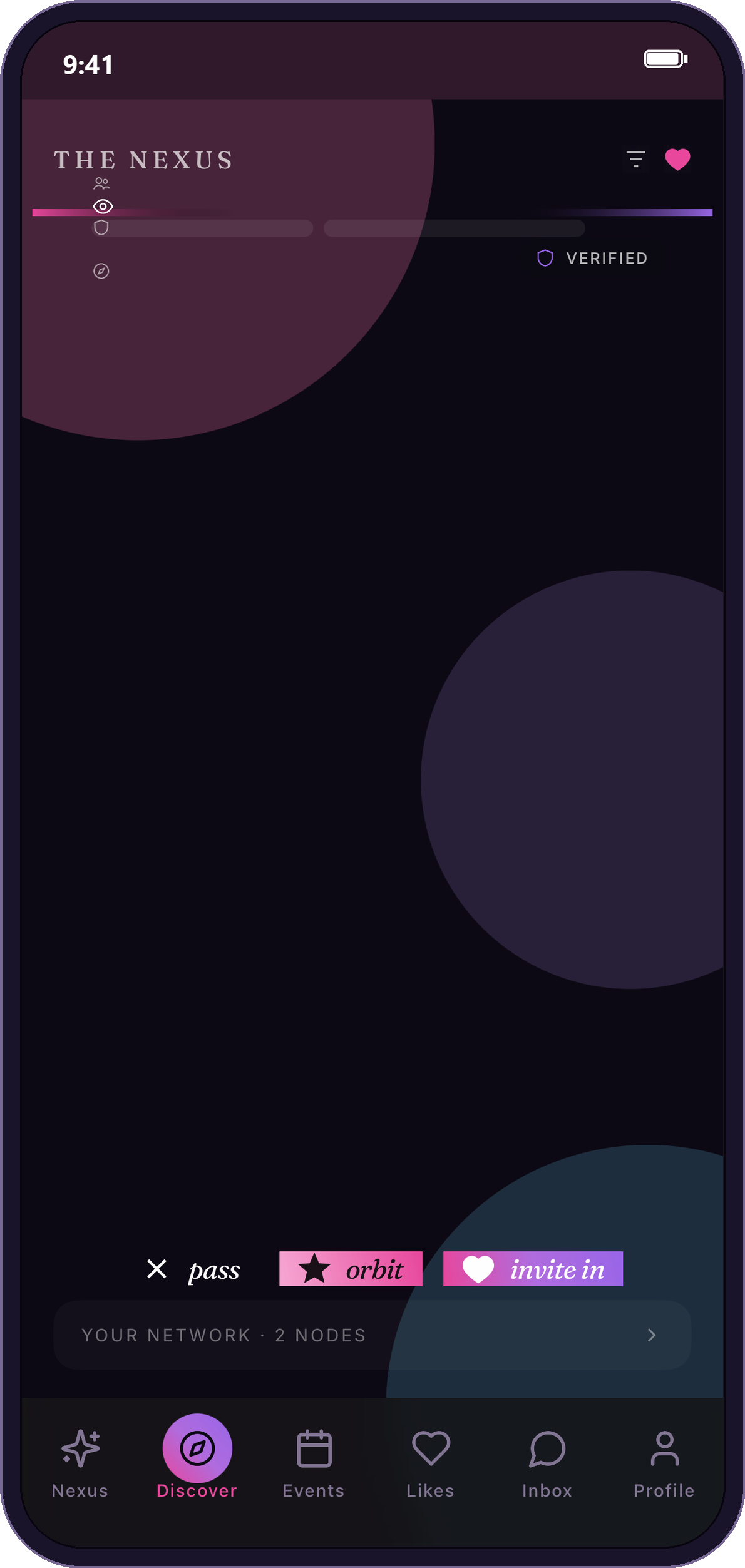
Discover
Everyone's relationship style and intentions are clear up front, so you find people who actually fit how you love, whether that's solo poly, open, or a closed triad.
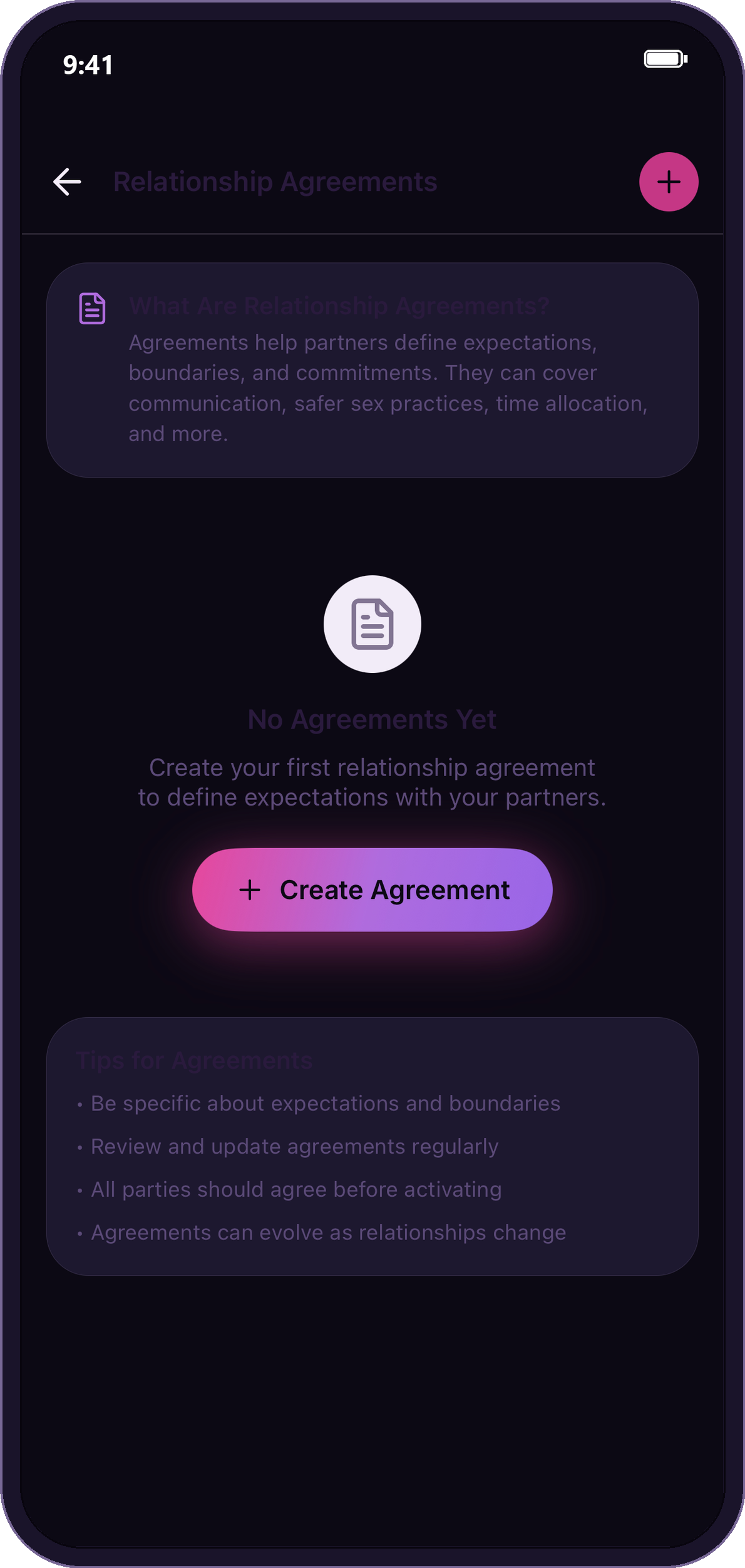
Agreements
Define expectations and boundaries together: communication, safer sex, time, and more. Agreements are shared, signed, and can evolve as your relationships change.
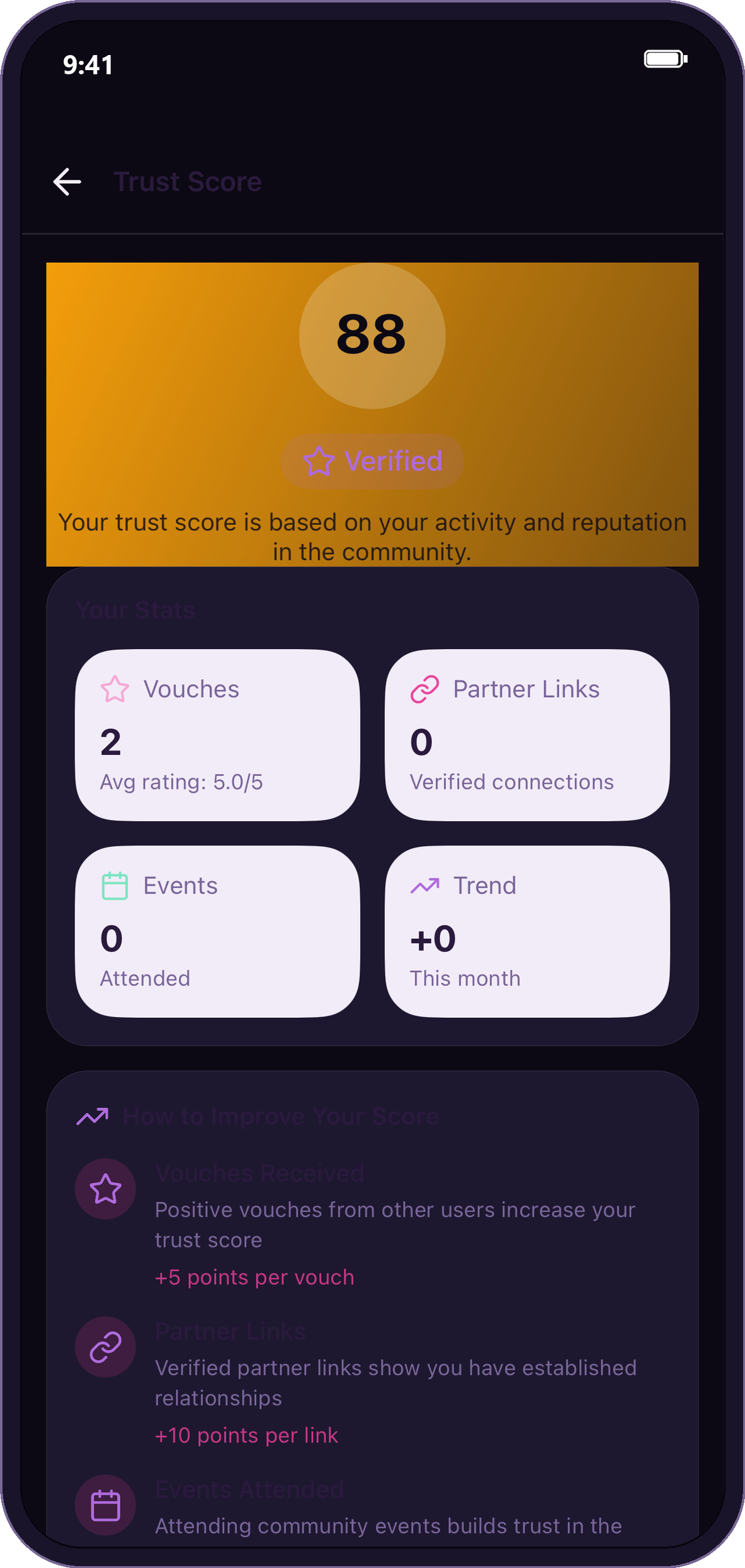
Trust & vouches
Reputation is earned in the open. Vouches from people you've connected with, verified profiles, and a visible trust score help you meet with confidence.
Safety & consent
Meeting new people should feel good and be safe. Blend puts consent and safety tools where you actually need them.
Share a date plan, set check-ins, and reach trusted contacts if you need them.
Your one-to-one and group messages are encrypted, so even Blend can't read them.
Clear consent checklists and boundaries keep everyone on the same page.
Find your people beyond the feed with real gatherings and community spaces.
Questions
Blend is a dating and community app for people who practice polyamory, open relationships and other forms of ethical non-monogamy (ENM). You can date as an individual, as a couple or as a group, with your partners linked openly.
No. Blend is for anyone who dates ethically outside monogamy: polyamorous, in an open relationship, practicing relationship anarchy, or just exploring ENM for the first time. Singles are welcome too.
Yes. Link your partners with their consent, and create couple or group profiles you manage together, so matches can see who you are connected to.
Blend is free to use. Optional Blend Premium adds incognito mode, advanced filters, priority likes, a monthly boost and rewind.
Yes, as a web app. Open app.tryblend.app in Safari and add it to your Home Screen; it takes about 30 seconds. On Android, Blend is on Google Play.
One-to-one and group chats are end-to-end encrypted, so Blend cannot read them. You can block and report anyone, and share date plans with check-ins for safety.
No. Blend is a separate app made for ethical non-monogamy by a small team in Ottawa, Canada.
Blend is live on Google Play. On iPhone, add the web app to your Home Screen in about 30 seconds.
On iPhone